
Podcast: Play in new window | Download (Duration: 25:04 — 34.6MB)
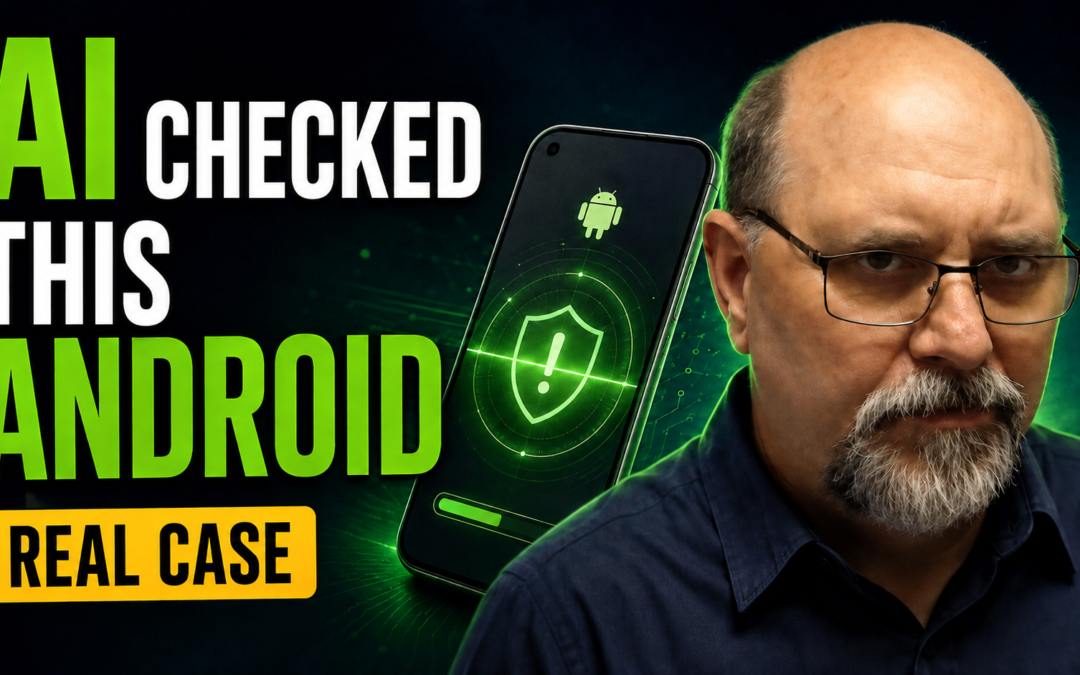
A compromised phone can feel overwhelming, especially when banking, email, or personal accounts may be involved. This episode walks through a calm first-pass Android security review: what to inspect, what is worth taking seriously, and when to stop guessing and get direct help.
If you believe an account may be exposed, do not panic and do not give anyone a password or one-time verification code. Use a verified number or website to contact your bank, carrier, or service directly.
The 8 places to check on Android
- Installed apps — Open Settings → Apps and review the full app list. Look for apps you do not remember installing, especially unfamiliar ad-heavy games or utilities.
- SMS and call permissions — Use Android’s Permission Manager to see which apps can access text messages, phone functions, contacts, camera, microphone, or location. Those permissions should make sense for the app.
- Accessibility services and device-admin apps — Review anything that can control or observe your device. If an unfamiliar app has powerful access, take a screenshot first and get help if you are unsure.
- Link to Windows (Samsung) — If you do not intentionally use this feature, confirm it is not actively connected to a computer and review its permissions.
- Private DNS and VPN settings — A custom setting you do not recognize is a reason to slow down and investigate. Normal settings vary, so do not remove a service you knowingly use.
- Browser tabs, homepage, search engine, and site notifications — Close suspicious tabs and remove notification permissions from sites you do not recognize.
- Call forwarding — Review your phone and carrier settings to make sure calls are not being forwarded without your knowledge.
- Google Account activity — Review your Google Account security activity, signed-in devices, recovery options, and connected apps. Change passwords immediately if you find activity you cannot explain.
If something looks wrong
- Take screenshots before changing a suspicious setting.
- Change passwords from a device you trust, beginning with your primary email and financial accounts.
- Turn on two-factor authentication where available.
- Contact your bank or carrier using the number on your card, bill, or the organization’s official website—not a number in a text, pop-up, or unexpected call.
- If banking information or a one-time code may have been exposed, contact the institution promptly and follow its instructions.
Important reminder
No legitimate bank, carrier, Microsoft representative, or Apple representative should call and ask you to install an app or read them a one-time code. If an unexpected message or call pressures you to act fast, hang up and contact the organization through a known good number.
Helpful links
- Google: Change app permissions on Android
- Google: Remove malware or unsafe software
- Google: Take a Security Checkup
- FTC: How to recognize and avoid phishing scams
- FTC: Use two-factor authentication to protect your accounts
- CISA: Recognize and report phishing
Watch the episode
Watch on YouTube: I Used AI to Tell If Your Android Device Has Been Hacked: 8 Settings to Check
This episode is educational and is not a substitute for your bank, carrier, or a qualified security professional when an account or device may be compromised.

